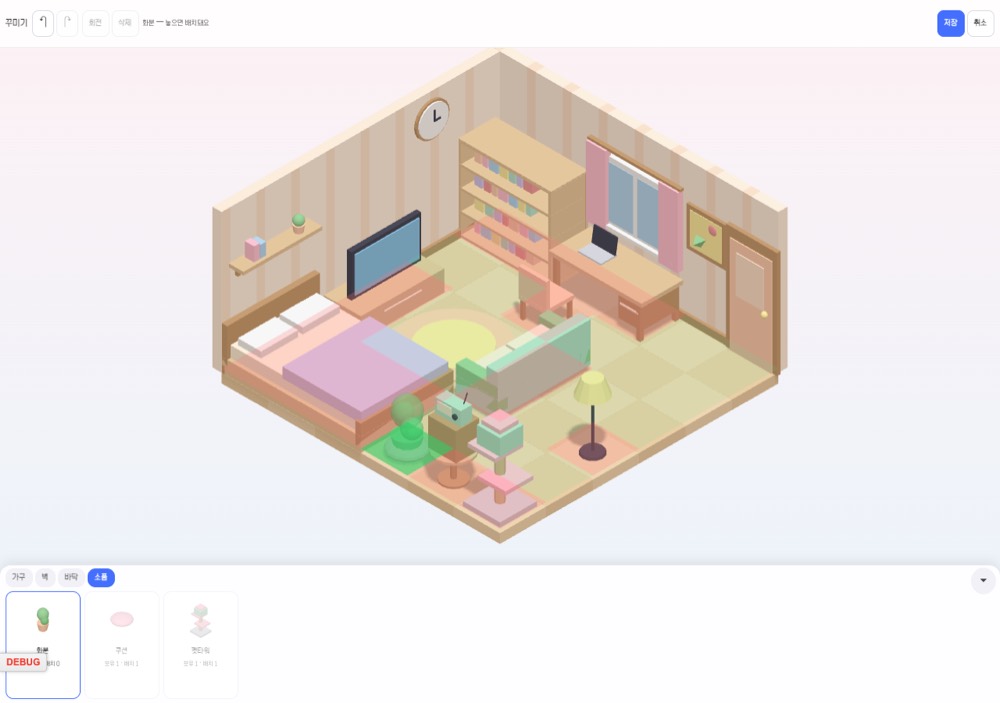
Decorating editor
Drag, drop and rotate furniture, wallpaper and props. Wall items snap right onto the wall.
No matching language.
The nostalgia of old-school mini homepages, reborn as a 3D Eworld miniroom. Live with your pet, step out the door into public places, visit friends' rooms, and even open your own shop.
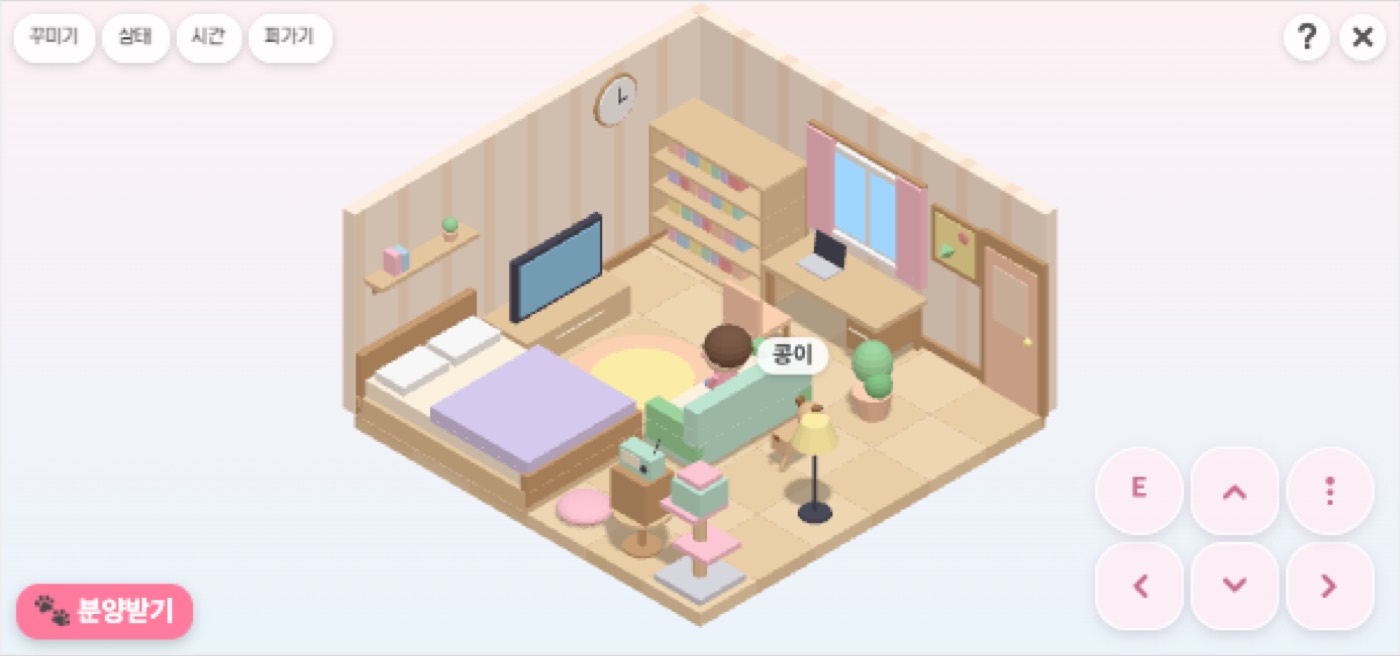
Decorate a 6×6 isometric room by dragging, then walk around with the keyboard or D-pad. Jump, open doors with Enter, lie on the bed, sit at the desk.
Drag, drop and rotate furniture, wallpaper and props. Wall items snap right onto the wall.
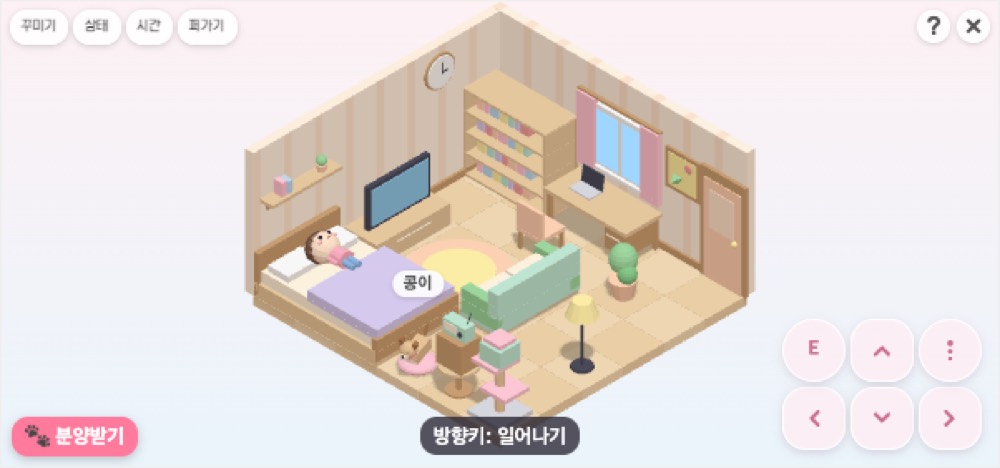
Day, sunset and night follow your real time zone, and lying on the bed means zZ. Your avatar steps out according to your routine.
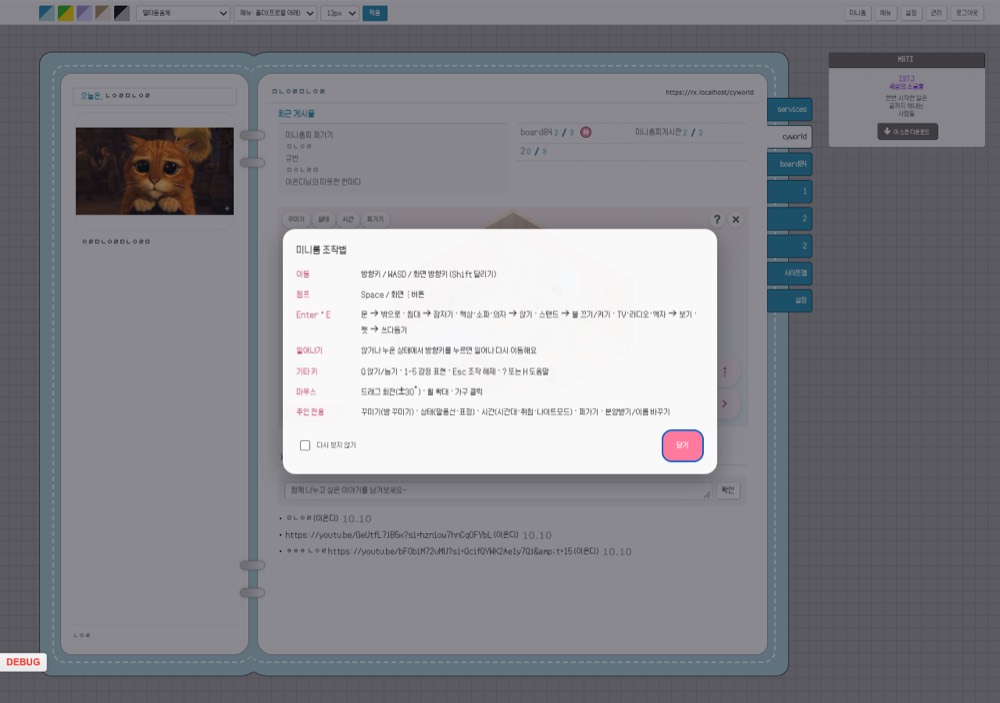
Arrow keys, WASD or D-pad, Space to jump, Enter to interact (door, bed, desk, sofa). On mobile a D-pad appears.
Adopt a puppy or kitten and give it a name. Your pet looks after the room while you're away and greets guests with a wagging tail.
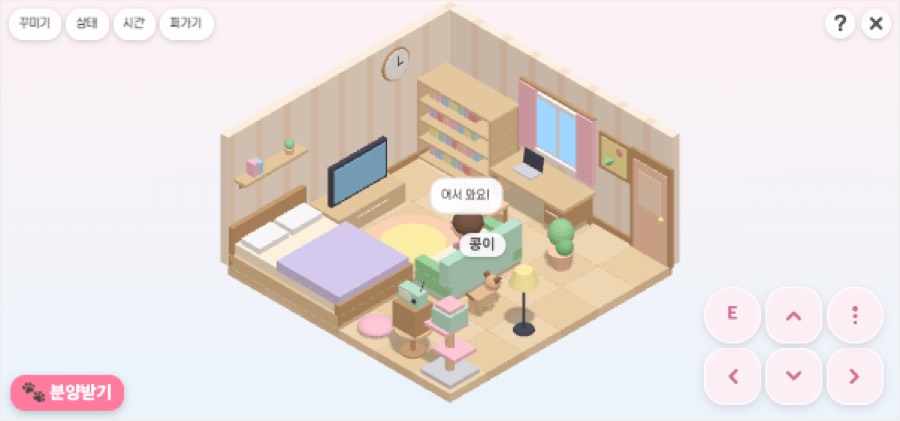
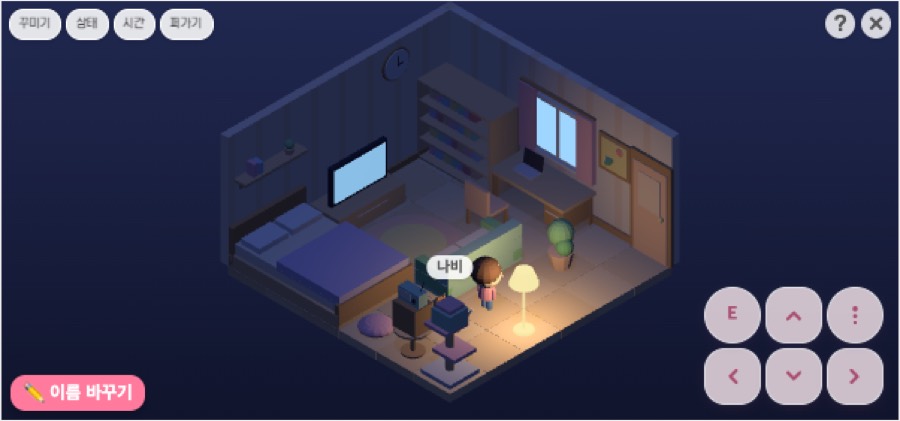
4 nature · 6 neighborhood · 3 transit. The mood changes from day to night, and every place has something to do.
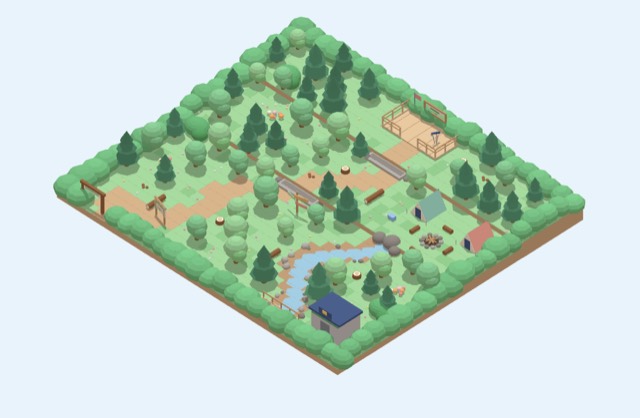
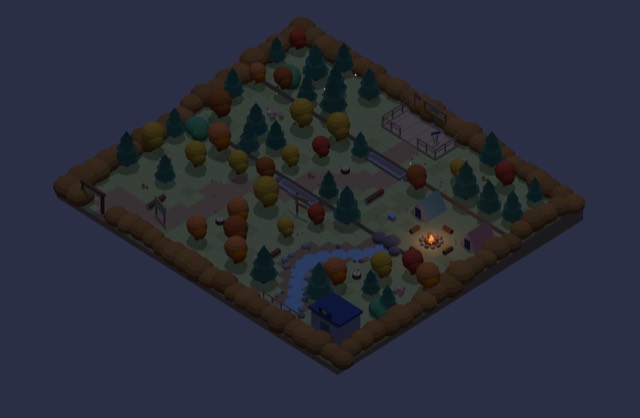
Trails, campfires and fireflies. Collect pine cones to decorate your room.
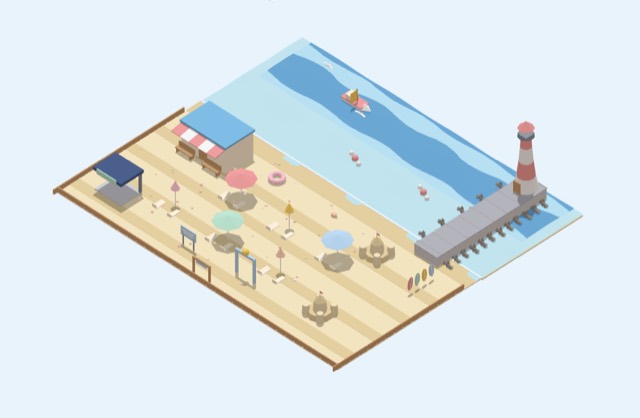
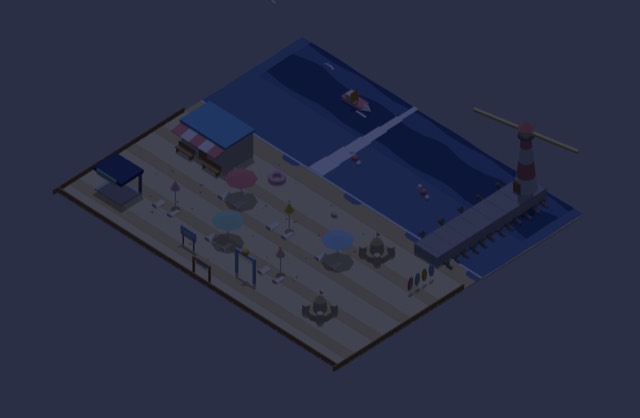
Splash ankle-deep on the sand, then watch the sunset under a parasol.
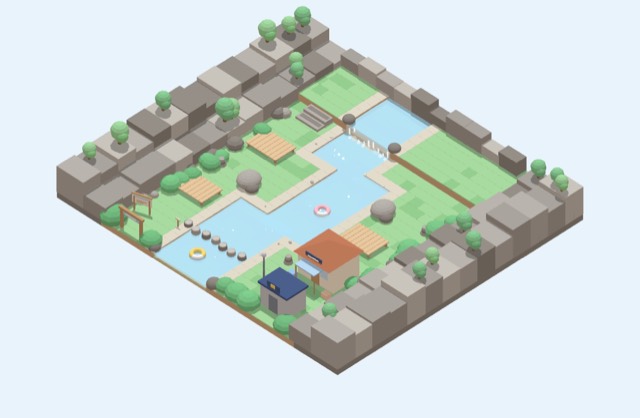
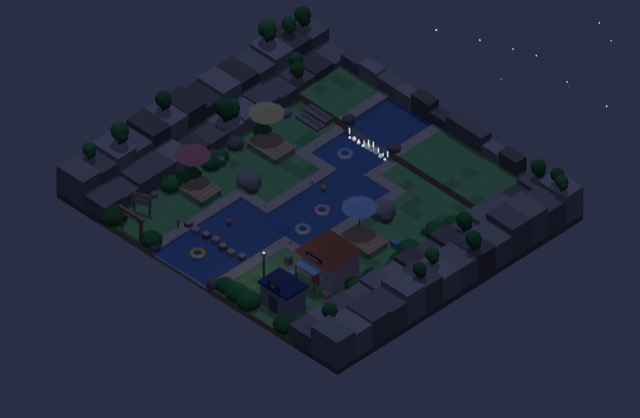
Jump across stepping stones and stack stone towers on a wooden deck.
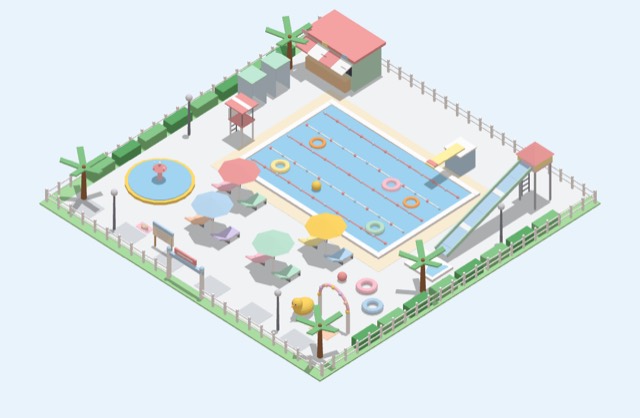
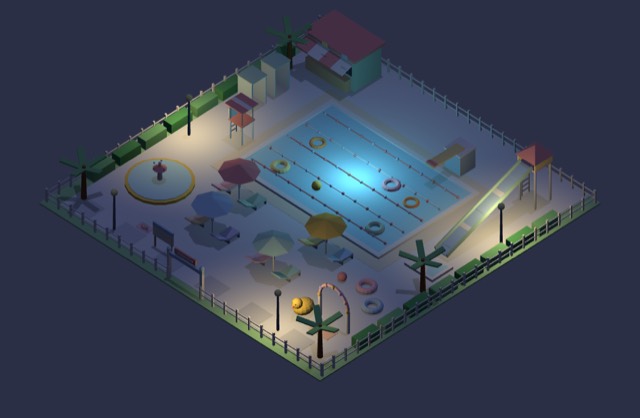
Float on a tube. Summer-only pool parties.
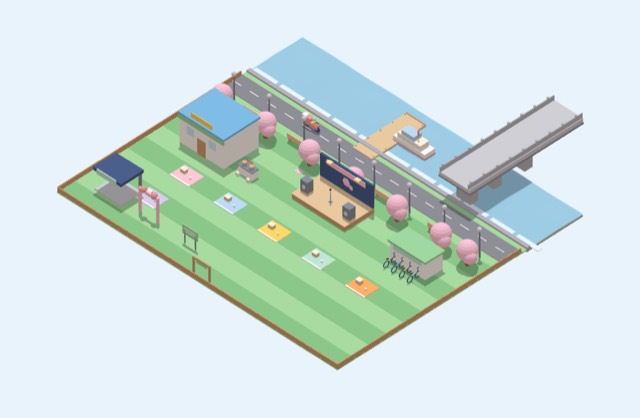
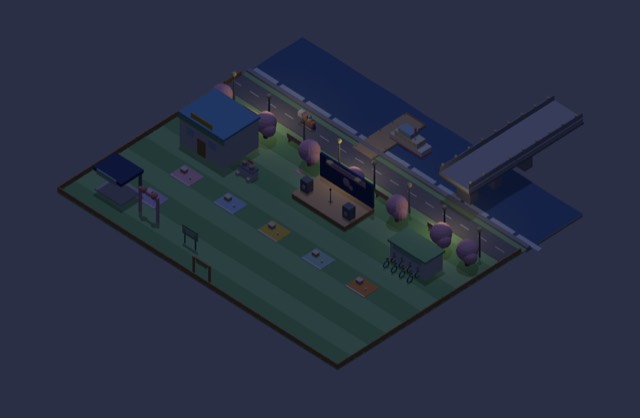
Picnic mats, bikes, ramyeon and fried chicken. City lights and a busking stage.
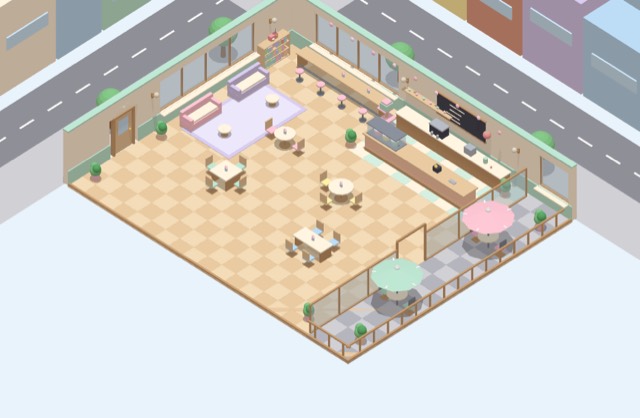
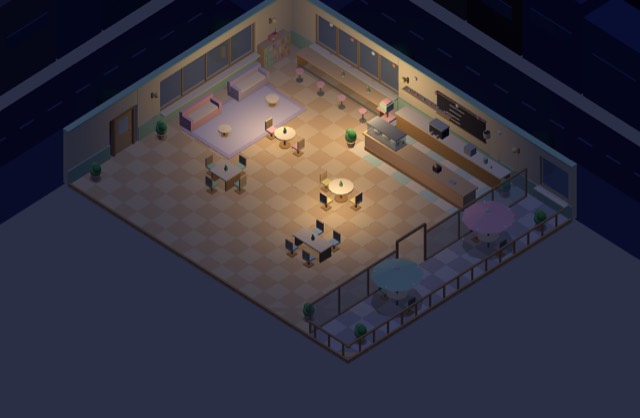
Chat with people nearby at a window seat. Order from the barista.
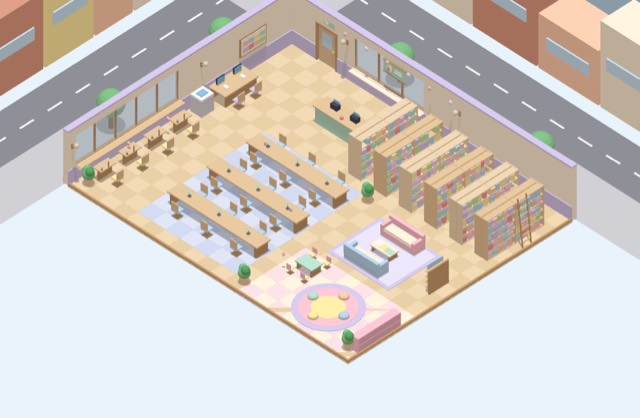
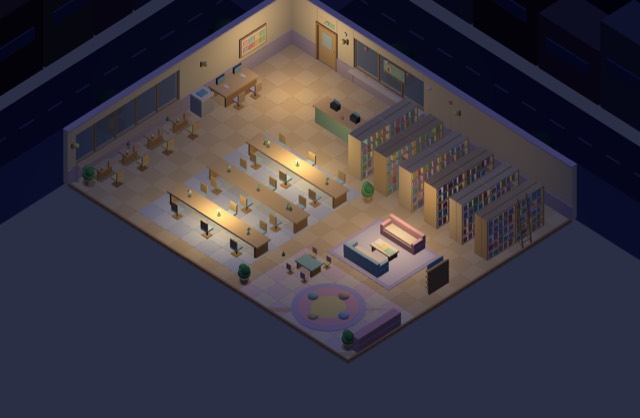
A librarian NPC and bookshelves. Read diary posts your besties recommend.
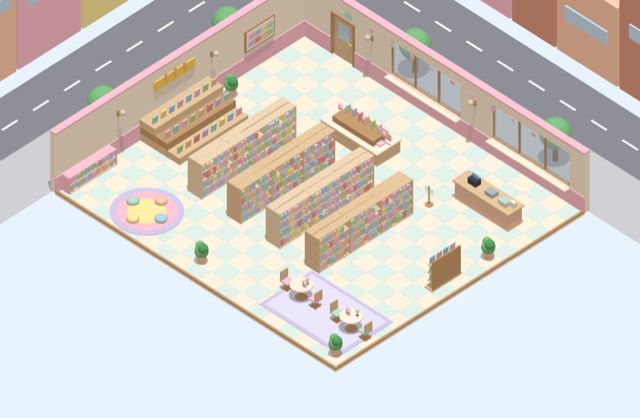
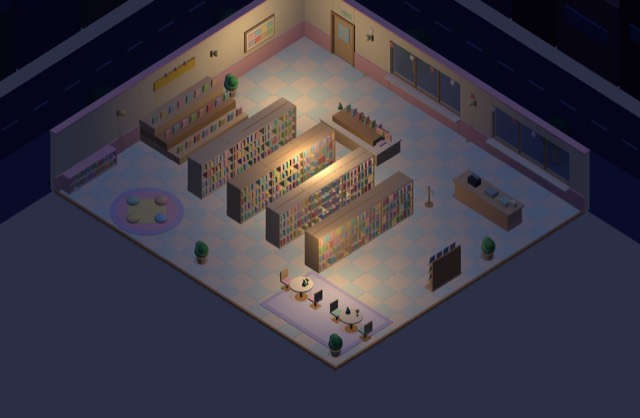
New-release tables and a cozy reading corner. Collect book props.
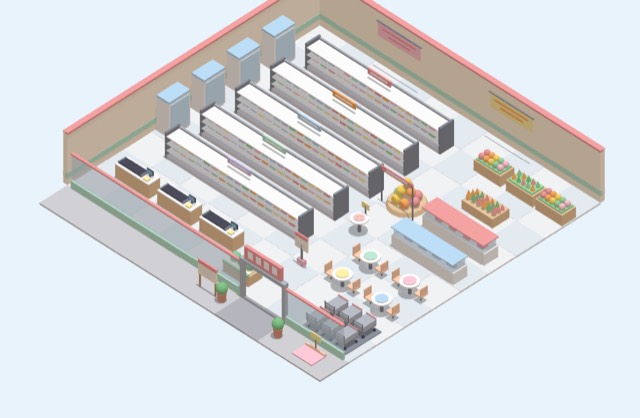
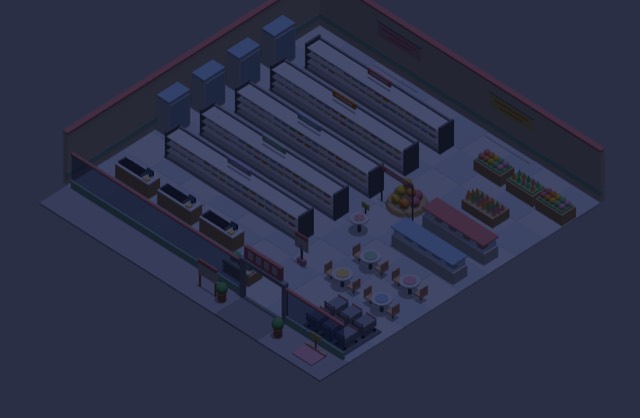
Grab a basket and go shopping. Buy consumable items.
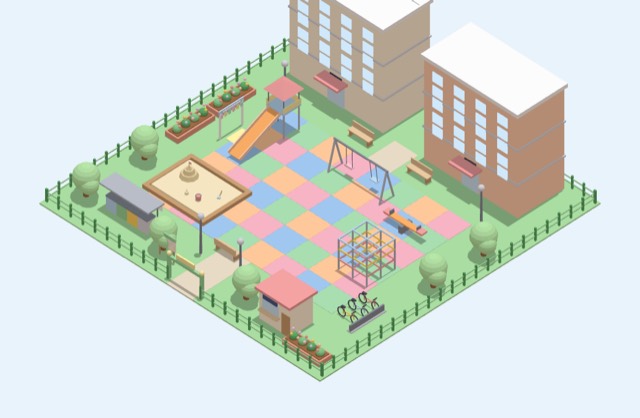
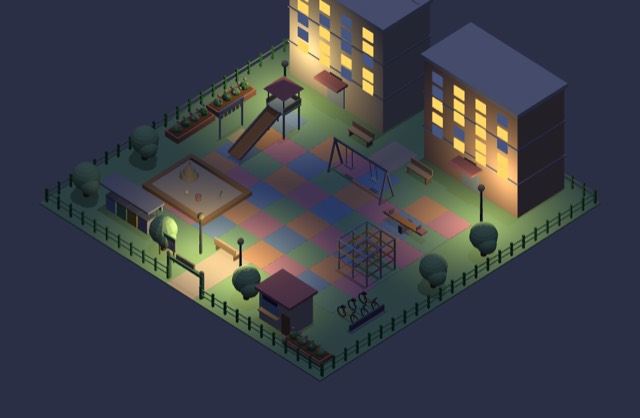
Swings, slides and kids at play. Under the streetlights at night.
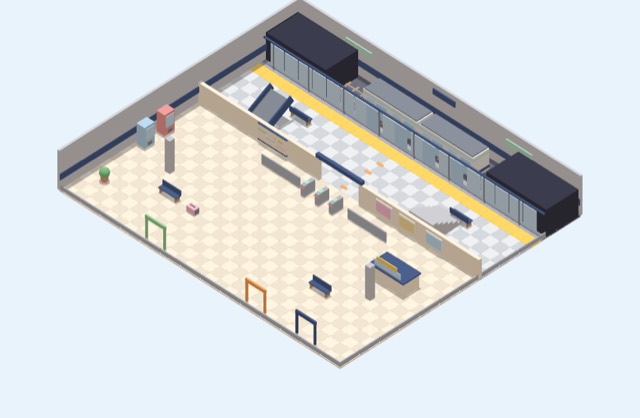
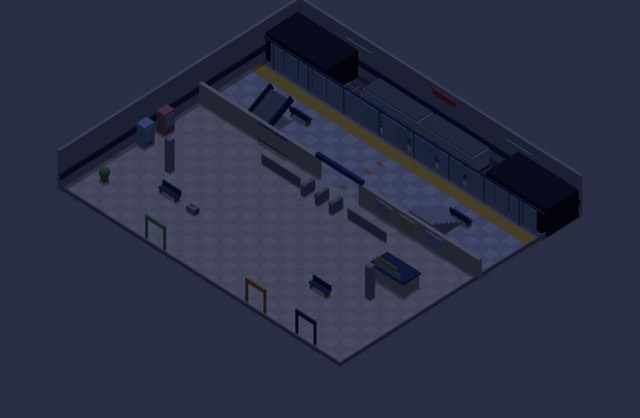
Avatars riding the live lines of metro.eond.com.
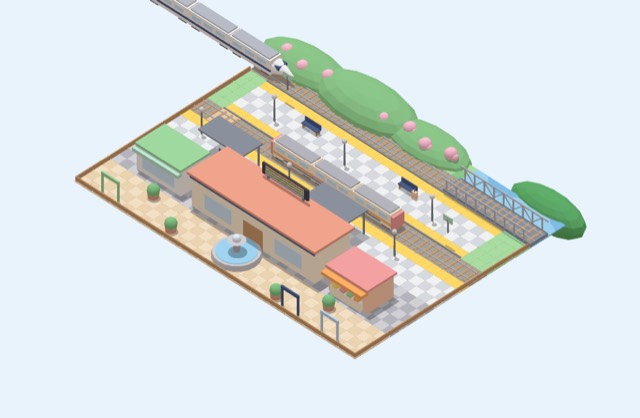
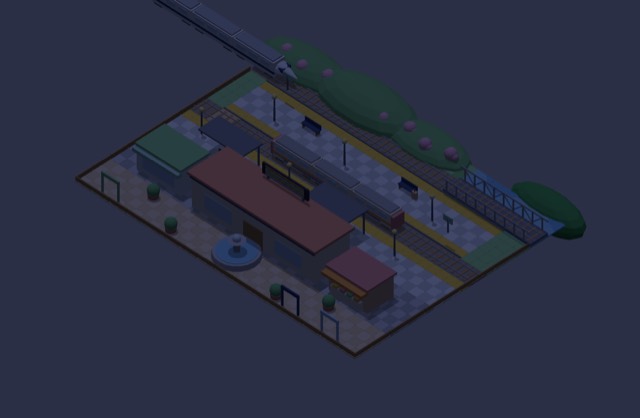
Each site's name is a station name. Travel to other sites.
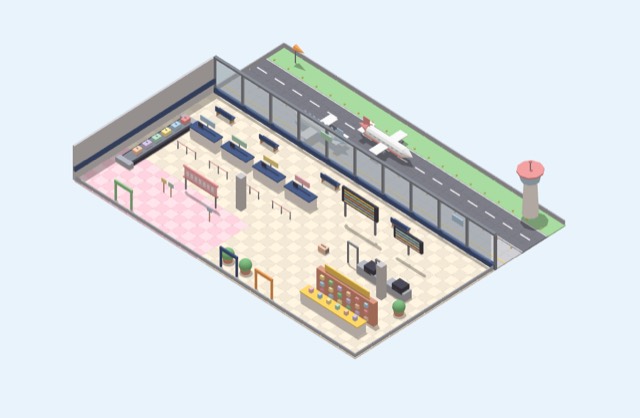
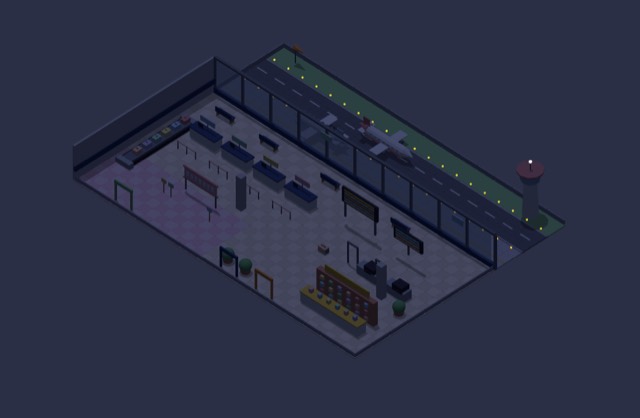
To other hubs, languages and platforms. Collect passport stamps.
The subway runs on the real metro.eond.com route map. Transfer to trains at Seoul and Yongsan stations, and to the airport at Gimpo and Incheon Airport stations!
Even with no one online, places have neighbors. Rush hours get crowded, and the scenery changes with the seasons.
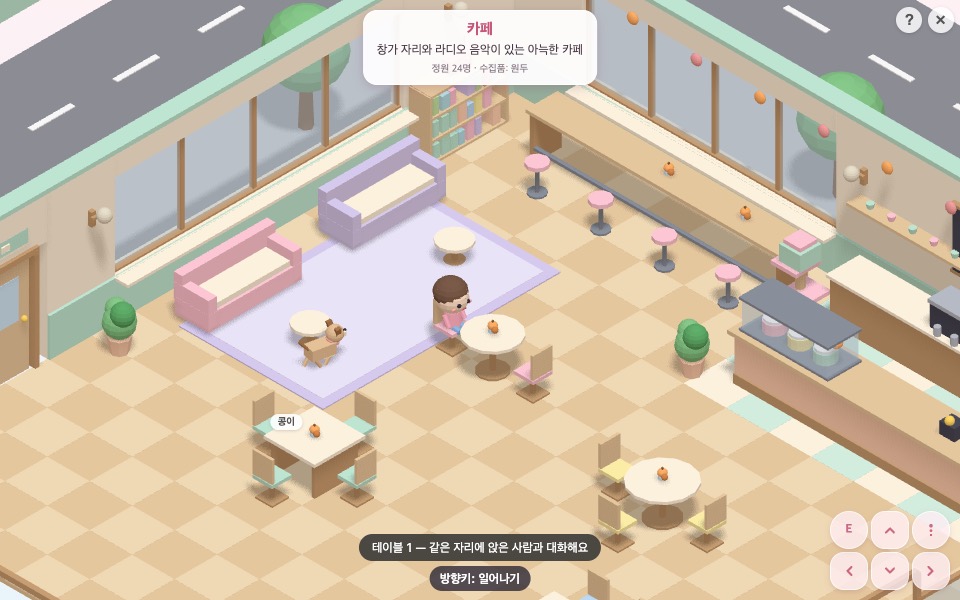
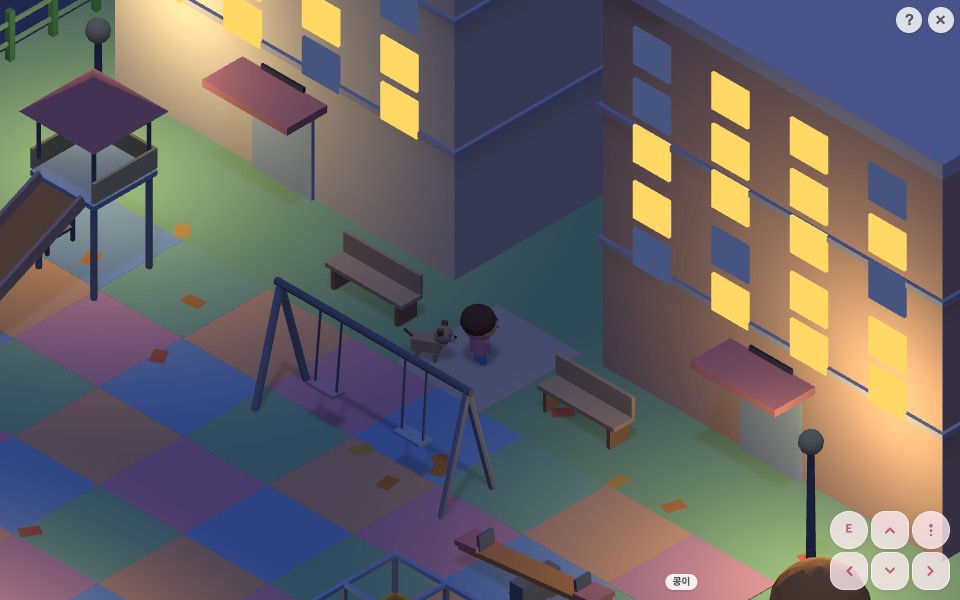
Cafés, workshops, bookstores, companies, club rooms. Your place gets a door on the neighborhood shopping street and shows up on the subway map, the neighborhood map and the “Shops” tab of Visit.
Paint floors, place walls and furniture, add NPCs, fill in signs and menus → export / publish directly
Built on any platform, upload a .miniplace of the same standard and the server checks it and builds it.
“A bakery in Gangnam, croissants in the showcase, 4 window seats, 1 clerk” — say it and out comes a place file.
create_placeadd_objectset_brandadd_npcvalidatepublish# Place package (zip or a single JSON) my-cafe.miniplace/ ├── place.json # size · tiles · objects · seats · exits · NPCs ├── brand.json # sign · menu · prices · address · hours · social ├── lang/ │ ├── ko.json │ ├── en.json │ └── ja.json └── thumb.png # optional — rendered by the server if missing # declarative only · no JS code (sandboxed) # 8×8 to 32×32 · objects ≤ 600 · ≤ 2MB
Rhymix, WordPress or Gnuboard — it doesn't have to be your server. Start from any site, meet in the same plaza, and visit each other's neighborhoods.
“You can travel even when it isn't your server.”
Put your room (or your shop) on your blog, community, Instagram link or company website. Three lines and your 3D card is spinning.
<!-- Embed my miniroom -->
<iframe
  src="https://miniwini.eond.com/@my-id/embed"
  width="480" height="320"
  loading="lazy" allowfullscreen>
</iframe>Decorate by hand, tell an AI, or upload with code — it all ends up in the same .miniplace standard.
🛠️ Coming soon — preview before launch🎉 Free at launch — creating your brand miniroom is free for now. It will become a paid feature later.
After signing up for EOND, choose your miniroom ID (separate from your Threads ID). If it's available, miniwini.eond.com/@my-id is created right away. It's free.
My miniroom → Build a shop. Pick a size (8×8 to 32×32) and lay out floors, walls and furniture.
Enter your sign text, logo color, intro, address, opening hours, social links, menu with prices and booking/order links.
Set your clerk NPC's role and lines. Translate signs, menus and lines per language so overseas visitors see them in their own language.
The server checks the standard, size and walkable paths. Choose visibility (link only / site / whole federation) and a door appears on the shopping street.
Put your shop on your website, blog or Instagram link as a 3D business card.
Connect the miniwini MCP server to an AI like Claude or ChatGPT and decorate your room or open a shop just by talking. Access stays within your token's scope — your own room and shop only.
create_placeadd_objectset_brandadd_npcvalidatepreviewpublishlist_catalogget_roomsave_roomset_status# Connect to Claude Code claude mcp add --transport http miniwini \ https://miniwini.eond.com/mcp \ --header "Authorization: Bearer MW_TOKEN" # Try saying "A bakery in Gangnam. Croissants and bread in the showcase, 4 window seats, 1 clerk, prices on the menu board. Validate it and publish as link-only"
Update shop info automatically from your service, online store or POS, or read room data to show elsewhere. Everything is JSON, and writes need a Bearer token.
GET | /api/miniroom/room/{id} | Room JSON (public) |
POST | /api/miniroom/room | Save my room |
POST | /api/miniroom/status | Today's status |
POST | /api/miniroom/places | Upload and validate .miniplace |
GET | /api/miniroom/places/{key}.json | Public place package |
POST | /api/miniroom/places/{key}/publish | Set visibility |
GET | /.well-known/miniroom.json | Federation spec · public key |
# Update shop menu prices
curl -X POST https://miniwini.eond.com/api/miniroom/places \
  -H "Authorization: Bearer MW_TOKEN" \
  -F "file=@my-cafe.miniplace"

# Read my room
curl https://miniwini.eond.com/api/miniroom/room/my-id
Mini homepage layout released — done
Photo album, guestbook and diary board skins — done
P1 and P2 done (room, decorating, pets, controls, embed, multilingual), integrating P4
List and sell items and place templates
Cross-site visits, real-time avatars, AI-made places
Sign up for EOND, pick a miniroom ID, and a starter room and puppy are waiting for you.
Yes. Anyone with an EOND account can use their own miniroom, pets and public places on miniwini.eond.com for free.
Miniroom modules/plugins for Rhymix, WordPress and Gnuboard are sold for ₩30,000 each per platform (the Rhymix layout is on sale now; the others are coming). After installing, register with the hub to join the same world.
Yes. Sign up for EOND, pick a miniroom ID, and start right away at miniwini.eond.com/@my-id with nothing to install. It uses the same standard, so you can move it to your own site later.
This site is available in 35 languages (🌐 at the top). Miniroom UI, signs and NPC lines can also be swapped with per-language files (lang/*.json).